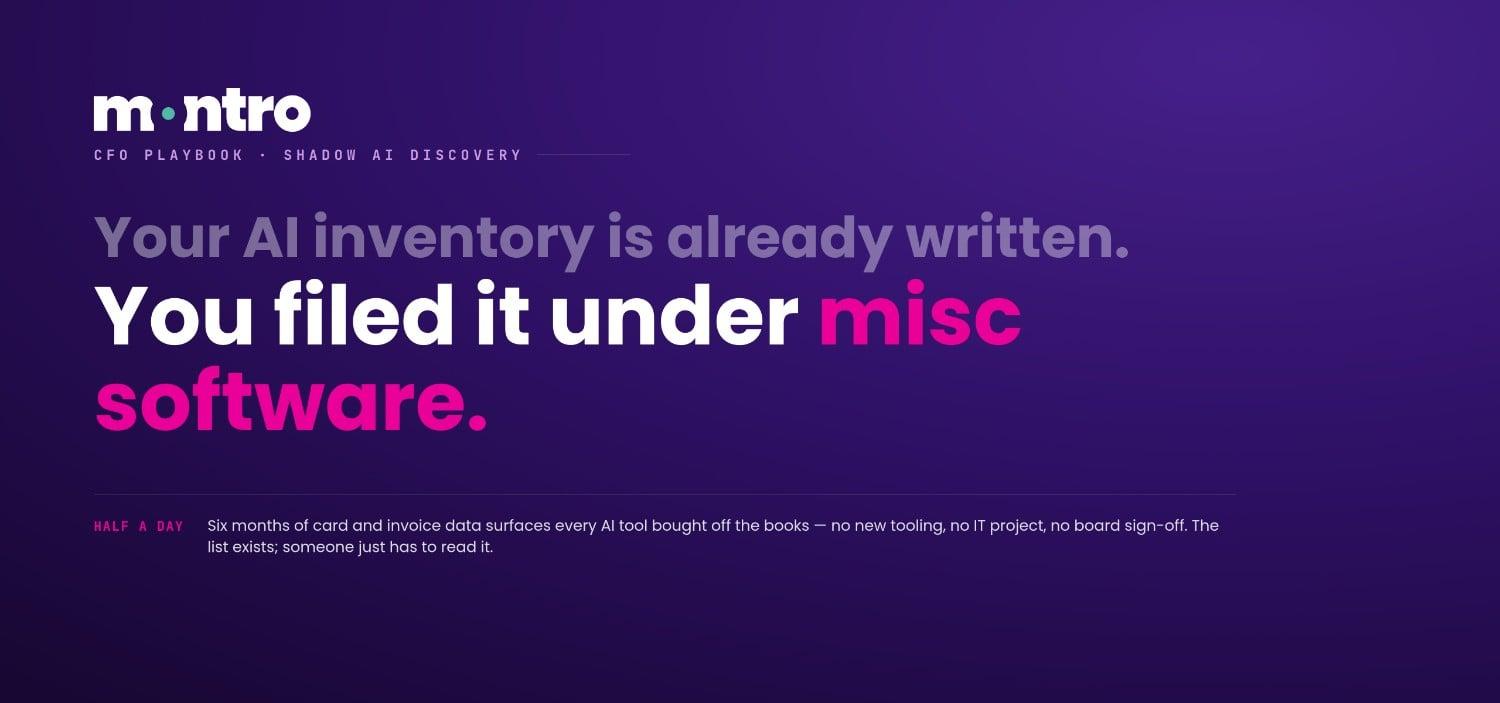
The shadow AI inventory your organisation needs already exists. It is sitting in your expense reports.
Six months of company card transactions and invoice data contain a working list of every SaaS tool employees paid for without going through IT; the AI writing assistants, the project management tools with embedded AI features, the ChatGPT Plus subscriptions expensed under 'miscellaneous software.' Nobody compiled that list as a governance document. But it is one. And extracting it requires no new tooling, no IT project, and no board sign-off. It requires a CFO who knows what to look for and a half-day to look.
This is the playbook for doing that, and for turning what you find into the foundation of a saas management programme that covers shadow IT, AI compliance, and regulatory exposure, not just licence costs.
Before You Start: What This Exercise Will and Will Not Find
Expense and invoice data captures the shadow IT that has a financial footprint - tools employees paid for on company cards, subscriptions that went through accounts payable, and vendor invoices that bypassed formal procurement. In most mid-market organisations, this covers somewhere between 40% and 60% of the actual SaaS estate.
It will not find free-tier tools, browser extensions, or personal account sign-ups where the employee used their own payment method. These generate no company financial signal, they appear on nobody's expense report, in nobody's accounts payable system, and in nobody's card statement. IBM's 2024 Cost of a Data Breach Report found that 35% of data breaches involved shadow data - data residing in unmanaged sources that organisations did not know they had. The free-tier and personal account tools that sit outside the expense data are exactly that category: active, processing real work data, and invisible to the financial systems that would otherwise surface them.
That gap matters. The expense data exercise produces a useful and fast starting baseline. It is not a complete saas inventory. Treat it as Step One of a discovery process, not as the finished product. The tools that slip through the financial data; the free-tier AI applications, the personal account sign-ups, require additional discovery signals, which is where a multi-vector discovery approach picks up where the expense exercise stops.
The Six-Step Playbook
Step 1 - Pull six months of transaction data
Request company card statements and accounts payable invoice data for the past six months. A shorter window misses annual subscriptions; six months catches them and gives enough transaction volume to surface patterns across different cost centres. Ask Finance to export this as a flat file; vendor name, transaction amount, date, cost centre, and employee or department. Do not filter anything out at this stage.
Step 2 - Filter for software and subscription vendors
Work through the transaction list and tag every line item that represents a SaaS subscription, software licence, or cloud service. The signals to look for: recurring charges from the same vendor, amounts between £5 and £500 per month per seat, vendors with names ending in .io, .ai, or .app, and anything categorised under 'software,' 'subscriptions,' or 'IT services' in the expense coding.
Do not rely solely on expense category codes. Employees often miscategorise SaaS subscriptions under 'office supplies,' 'training,' or 'professional services' to avoid scrutiny. The vendor name column is more reliable than the category column for this exercise.
Step 3 - Cross-reference against your sanctioned SaaS inventory
Pull your current sanctioned SaaS list, whatever IT maintains as the approved application register, however incomplete it is. Cross-reference every vendor from the expense data against this list. Anything in the expense data that is not on the sanctioned list is, by definition, shadow IT with a financial footprint.
Expect this list to be longer than anticipated. In organisations that have not run this exercise before, the gap between the sanctioned list and the expense data typically surfaces 20-40 vendors that IT has no record of. Some will be legitimate tools someone forgot to register. Others will be tools IT explicitly declined to approve, adopted anyway. Both categories need to be addressed, but they need different responses.
Step 4 - Classify each unsanctioned vendor against an AI taxonomy
For each vendor on the unsanctioned list, run a quick classification: is this tool AI-native, does it have AI features, or does it have no AI component? The distinction matters for two reasons. AI-native tools and tools with active AI features are processing company data through AI models, which creates GDPR Article 28 processor obligations, potential EU AI Act deployer requirements from August 2026, and data residency questions the original procurement never addressed.
Free vendor classification resources exist, AI-specific SaaS taxonomies are maintained by several research organisations, but the fastest approach for a first pass is to visit each vendor's website and look for explicit mentions of AI features, model training language in the terms of service, or data processing locations. Flag anything with AI components for deeper review in Step 5.
Step 5 - Run a risk triage on the AI-flagged tools
For every tool flagged as AI-capable in Step 4, the triage covers three things: what data the tool is processing, whether a DPA exists with the vendor, and whether the AI feature is enabled by default or requires opt-in. Those three points determine the urgency of the response.
A tool processing customer data without a DPA is an active GDPR violation regardless of whether a breach has occurred. A tool with a default-enabled AI feature processing employee communications may trigger EU AI Act obligations. A tool processing only anonymised internal documents with an explicit opt-in AI feature is lower priority. Triage - not elimination, is the goal at this stage.
Step 6 - Build the register, not just the list
A list of unsanctioned tools is an audit finding. A register is a governance instrument. The difference is in what each entry contains. An audit finding says 'this tool exists and was not approved.' A register entry says: vendor name, service description, data categories processed, AI classification, DPA status, data residency, business function, internal owner, and next review date.
Building the register from the expense data takes longer than producing the list, but it is the step that turns a one-time exercise into the foundation of a saas governance programme. Without the register, the findings from this exercise will age out within six months as new tools are adopted and the expense data changes. With the register, each new tool that appears in the expense data gets added, classified, and reviewed, the governance becomes continuous rather than periodic.
What to Do with What You Find
The output of this exercise is typically a list of 15-40 unsanctioned tools in a mid-market organisation of 200-1,000 employees, of which 8-15 will have some form of AI capability, and 3-6 will require immediate remediation, either because they are processing sensitive data without a DPA, or because the AI features active within them create regulatory obligations the organisation has not addressed.
Remediation for each tool falls into one of four responses. Contract and govern: the tool is legitimate and useful; negotiate a proper agreement, establish a DPA, add it to the sanctioned list. Restrict: the tool is useful but needs controls before it can continue - disable AI features, restrict data categories, require re-approval. Replace: the tool duplicates an already-sanctioned application, migrate users and cancel. Terminate: the tool presents unacceptable risk or serves no identifiable business purpose - cancel, notify the employee, confirm data deletion.
The right response for each tool is a judgement call that requires input from IT, Legal, and the relevant business owner. Finance's role in this exercise is to surface the tools and provide the spend data. The governance decisions sit with the people who understand the risk posture and the regulatory obligations, which is why the findings from this exercise need to be presented to IT and the CISO as a structured brief, not as a raw expense export.
When a Finance team runs this exercise for the first time, the number that makes the room go quiet is not the total spend, it is the date. That is how long a tool has been running before anyone outside the team knew it existed. Twelve months is common, eighteen is not unusual. The conversation when Finance presents the findings to IT tends to go quiet quickly. IT recognises some tools that they declined to approve months ago but were adopted anyway. The tools that nobody recognises are the harder conversation, because those are the tools processing customer data on consumer accounts, with no DPA, no IT review, and no one who can explain how they got there. - Ankur Arora, Co-founder, Montro |
Where the Expense Data Stops and SaaS Management Begins
The expense data exercise is the fastest route to a shadow IT baseline. It is not a substitute for a SaaS management programme. The distinction matters because the exercise has three structural limitations that a programme addresses.
Expense data is retrospective. It shows what was adopted and paid for over the past six months. A SaaS management programme catches new adoptions in real time, before months of unreviewed AI processing has accumulated without anyone noticing.
It also misses the free-tier layer entirely. A significant portion of shadow IT costs nothing to adopt, which means it generates no financial signal. Tools adopted on personal accounts, browser extensions, and consumer free tiers only surface through discovery signals that look beyond financial data - SSO logs, email metadata, browser telemetry.
And without active maintenance, the register built from this exercise will be out of date within six months. New tools appear in next month's expense data. AI features activate inside existing tools on vendor update schedules that have nothing to do with your review calendar. A one-time exercise produces a baseline. Keeping it current requires a continuous process running underneath it.
Software inventory management, done properly, is not a Finance exercise with a completion date. It is infrastructure; running continuously, feeding a register that stays current, and providing the IT and security team with the visibility they need to make governance decisions in real time rather than in retrospect.
Frequently Asked Questions
How long does the expense data exercise take?
Steps 1 and 2, data pull and filtering, take two to four hours with access to the right Finance export. Step 3 (cross-referencing against the sanctioned list) takes another two to three hours. Steps 4 and 5, AI classification and risk triage, run at roughly one to two hours per flagged tool, and most organisations surface between eight and fifteen flagged tools. A first-pass exercise producing a triaged list of unsanctioned tools is a two to three day project. Building the full register from the findings is additional work that depends on how many tools require complete documentation.
Who should own this exercise - Finance or IT?
Finance initiates it because Finance holds the data. IT governs the output because IT owns the sanctioned saas inventory and the security posture. In practice the exercise works best when it is framed as a Finance-initiated data pull that IT then classifies and acts on, rather than either team trying to do the other's job. The CFO or Finance Director sponsors it, Finance extracts and filters the data, IT cross-references and classifies, and the CISO or IT Director owns the remediation decisions. The register that results from the exercise should sit in IT's systems, not Finance's spreadsheet.
What is the difference between a SaaS inventory and a SaaS register?
A SaaS inventory is a list of applications in use. A SaaS register is a governed document that contains the information required to satisfy regulatory obligations; GDPR Article 30 record of processing activities, DORA Article 28.3 ICT third-party register, EU AI Act deployer documentation. The inventory is the starting point. The register is built on top of it by adding the governance fields each framework requires: data categories processed, legal basis, DPA status, AI classification, data residency, criticality, and review date. An organisation with a SaaS inventory but not a SaaS register has visibility without compliance. The register is what turns the inventory into a governance instrument.
Does this exercise satisfy GDPR Article 30 requirements?
Not on its own. GDPR Article 30 requires a record of processing activities covering every operation that involves personal data, which means every SaaS tool that touches personal data needs a register entry containing the purposes of processing, data categories, recipients, retention periods, and security measures. The expense data exercise surfaces the tools. Building the Article 30 entries requires additional information about each tool's data processing practices, which comes from the vendor's data processing agreement, privacy policy, and - where neither is adequate, direct enquiry. The exercise is the discovery layer. Article 30 compliance requires the documentation layer built on top of it.
How do we keep the SaaS inventory current after this initial exercise?
The expense data exercise is a baseline, not a maintenance mechanism. Keeping the inventory current requires at minimum a monthly review of new transactions against the register, any vendor appearing for the first time triggers the same classification and triage process as the initial exercise. Ideally, this is supplemented by SSO log monitoring for new OAuth connections and email metadata monitoring for new SaaS tools communicating with work accounts. The organisations that maintain accurate saas inventories treat discovery as a continuous process rather than a periodic project, which typically means some level of tooling to automate the signal aggregation.